
Every PDF carries information you do not see on the page: a title and author, the software that produced it, creation and modification dates, and an XMP packet that can hold more. Before a file leaves your hands, it is worth checking what that data says and clearing what you do not want to share.
How to strip the metadata
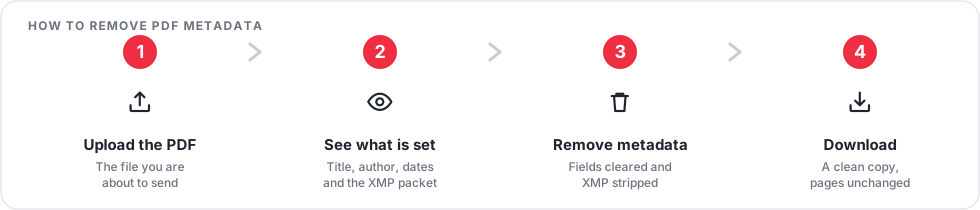
- Open the Remove PDF Metadata tool and upload your file.
- The tool lists which fields hold a value: title, author, subject, keywords, producer, creator, and the XMP packet.
- Run the removal. The document information fields are cleared and the XMP packet is stripped.
- Download the clean copy. The pages themselves are unchanged.
What metadata removal does not cover
- Text printed on the page. A name or number in the body of the document stays. Use Redact PDF for that.
- Comments and form fields. Notes, highlights, and fillable fields are separate. Flatten PDF bakes them into the page.
- File name. The name of the file you upload is not part of the PDF. Rename the download before sending it.
- Embedded thumbnails. Some readers cache a preview image. Reopening and re-saving in a fresh tool clears it.
When this matters
Sending a document to an opposing party, publishing a report, submitting a template you built from an internal file, or uploading a CV are all cases where the author name or the originating software can reveal more than you intend.
Frequently asked questions
Will removing metadata break the PDF?
No. Clearing the document properties and XMP has no effect on how the pages display or print.
Can I set new metadata instead of clearing it?
Yes. Use Edit PDF Metadata to write a deliberate title, author, and keywords rather than leaving the fields blank.
Does this change the creation date?
The document information dates are cleared along with the other fields. A brand-new modification date may be written when the file is saved.
Is my file kept?
No. The upload and the cleaned file are deleted automatically a short time after processing.
Open Remove PDF Metadata before you send your next document.